What Does
CRM Mean?
A simple guide for small businesses.
CRM stands for Customer Relationship Management. A CRM is software that helps businesses organize contacts, track leads, follow up with customers, send quotes, and build stronger relationships.
Instead of keeping customer information in spreadsheets, notebooks, or separate apps, a CRM brings everything together in one place.
Watch: what a CRM actually does — a short walkthrough.
Not sure if you need a CRM?
Answer 6 quick questions and see whether salengine.io fits your business.
In this guide
What Is a CRM?
A CRM (Customer Relationship Management) system helps businesses manage their relationships with prospects and customers.
It gives you a clear view of every customer interaction, sales opportunity, and follow-up so nothing falls through the cracks.
What Does a CRM Do?
A CRM helps businesses stay organized throughout the sales process.
Why Do Small Businesses Use a CRM?
Small businesses often begin by managing customers through email, spreadsheets, text messages, or handwritten notes.
That may work when the business is small. As more leads and customers come in, important information can become difficult to manage.
Without a CRM, businesses may:
- Forget to follow up with a lead
- Lose track of customer conversations
- Miss sales opportunities
- Send quotes late
- Store information across several different systems
- Have trouble seeing which deals need attention
A CRM creates a repeatable process for managing customers and sales.
A Simple CRM Example
Imagine a potential customer contacts your business asking for a quote. With a CRM, you could:
- Add the person as a new contact.
- Create a sales opportunity.
- Record notes from your conversation.
- Schedule a follow-up.
- Create and send a quote.
- Track whether the quote was viewed or accepted.
- Move the opportunity to "Won" when the customer approves it.
- Follow up with the customer later for repeat business.
All of that information remains connected to the same customer record.
Who Should Use a CRM?
CRM software can be useful for nearly any business that works with customers, prospects, quotes, or recurring relationships. Examples include:
You do not need to operate a large company to benefit from a CRM. A CRM is often most valuable when a business begins receiving more leads than it can comfortably track manually.
CRM vs. Spreadsheet
A spreadsheet can store basic customer information, but it usually does not manage the entire customer relationship.
| Spreadsheet | CRM |
|---|---|
| Stores rows of contact information | Creates complete customer records |
| Requires manual updates | Tracks activity and follow-ups |
| Limited sales visibility | Shows deals in a sales pipeline |
| Separate from email | Can connect with your mailbox |
| No quoting workflow | Can create and send quotes |
| Difficult to automate | Supports reminders and automation |
A spreadsheet tells you who your customers are. A CRM helps you understand what has happened, what should happen next, and where each sales opportunity stands.
What Does CRM Stand For in Business?
In business, CRM stands for Customer Relationship Management. The term can refer to both:
- The process a company uses to manage customer relationships.
- The software used to organize and support that process.
A good CRM helps businesses provide better service while creating a more organized sales process.
Do Small Businesses Really Need a CRM?
A small business may benefit from a CRM when:
- Leads are being forgotten
- Follow-ups are inconsistent
- Customer information is stored in multiple places
- Quotes take too long to prepare
- More than one person needs access to customer history
- It is difficult to see which sales opportunities are active
- Repeat customers are not being contacted consistently
A CRM does not replace personal relationships. It helps make sure those relationships are managed consistently.
What Is salengine.io?
salengine.io is a CRM designed to help small businesses manage contacts, organize leads, send personalized emails, create quotes, and stay on top of follow-ups.
It brings essential sales tools into one clean workspace without the complexity of many traditional CRM systems.
With salengine.io, businesses can:
- Manage contacts
- Track sales opportunities
- Connect Outlook
- Schedule follow-ups
- Import leads with AI
- Create and send online quotes
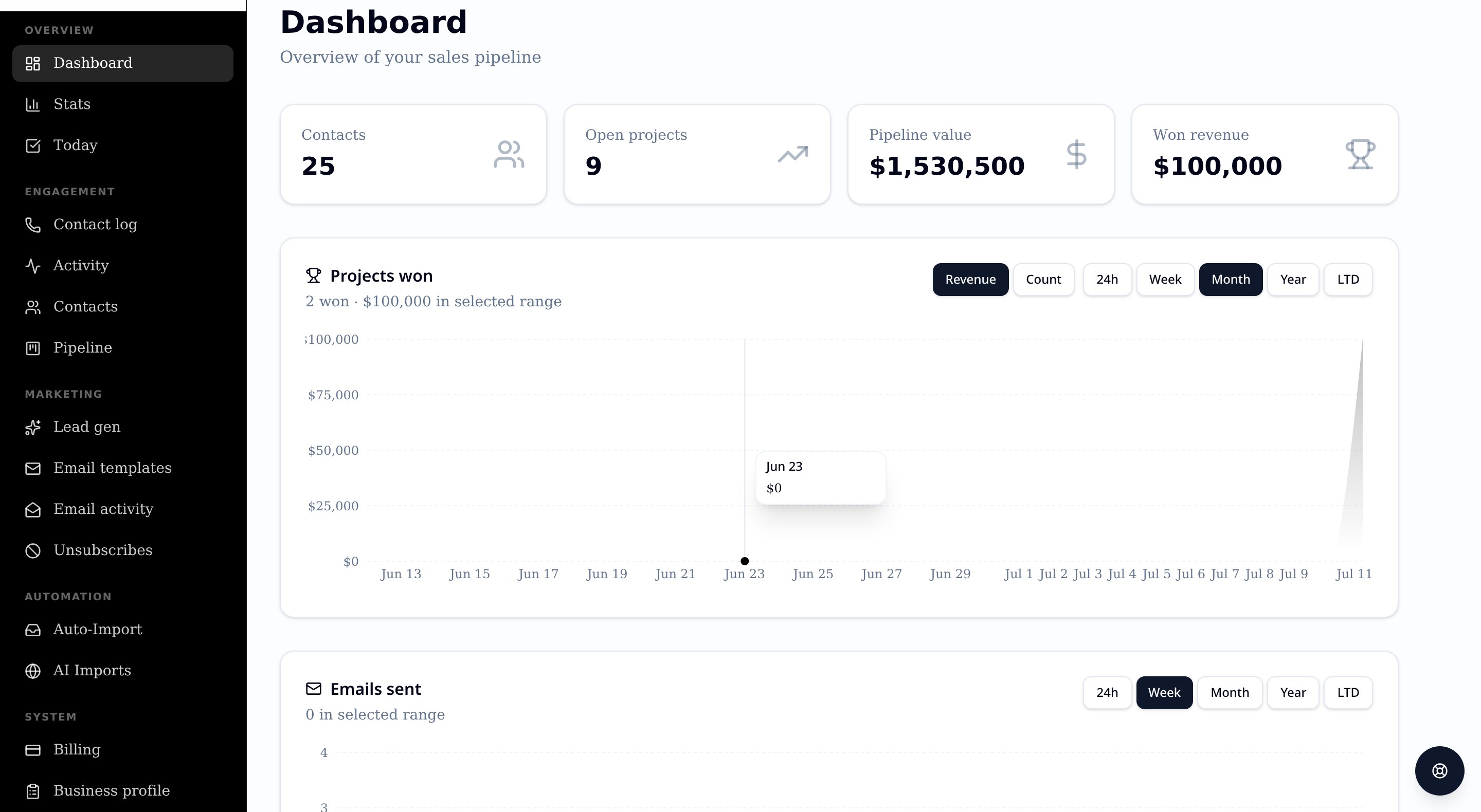
- View sales activity from one dashboard
See a CRM in Action
Reading about CRM software is helpful. Using one makes the concept much easier to understand. Explore the interactive salengine.io demo and see how a modern CRM can help organize your sales process.